YouTube
YouTube is the biggest video-sharing platform where you can watch the latest video clips, and other informative content.

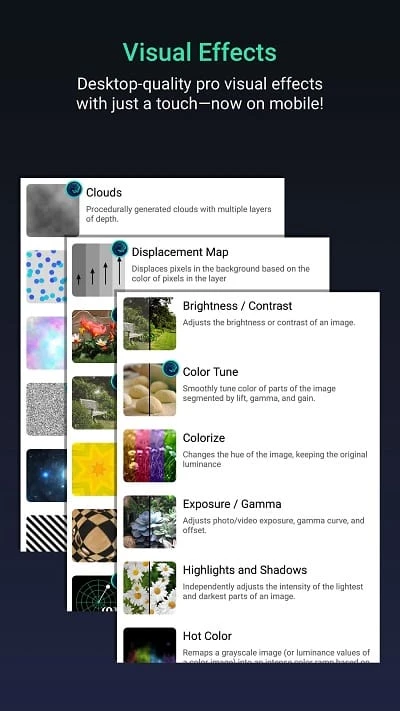
Alight Motion is a comprehensive video editing tool that deals with motion graphics while focusing on animation. The free-to-use tool with touch-friendly capability offers an extensive library of visual effects, enabling users to build animated sequences right on their phone.
It works similarly to other video editors like CapCut and VN, along with additional functionality of video layering, graphics, and audio. It also most rare capability of editing vector graphics or bitmaps on a mobile or tablet. The support for multiple formats makes your exporting and importing of content quick, simple, and smooth.
Alight Motion is one of the powerful video editing and motion graphics software that offers services for users who are seeking advanced motion functionality. So, you can use it regardless of whether you are a social media editor, hobbyist animator, or even a professional user.
It offers support for GIF animation and MP4 format, and a huge library to allow users to pick their required tool and apply it more reliably. It is free, but it only has basic functionality, and you have to purchase the subscription plan to enjoy advanced functionality.
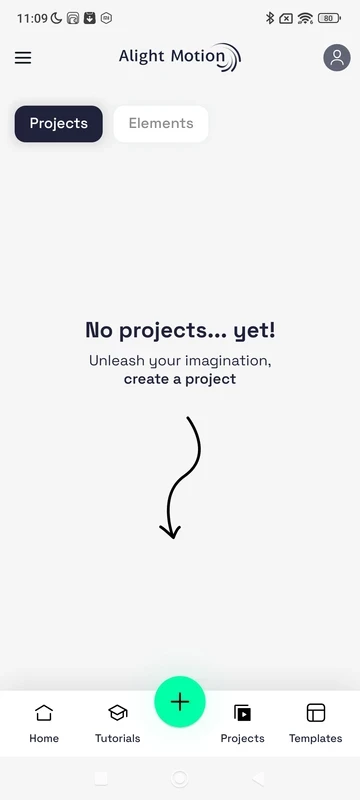
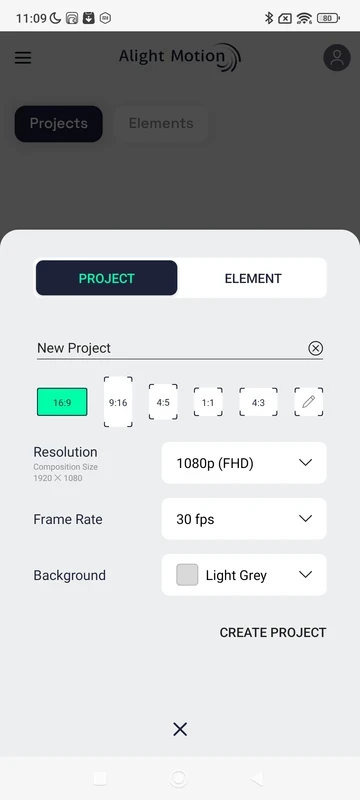
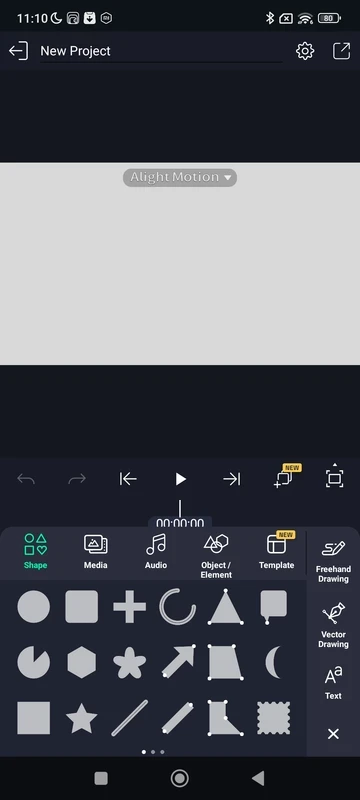
The straightforward interface feels a little bit cluttered, as it has multiple panels and options; however, it turns out to be more focused when getting an actual project. The main screen, embedded with playback controls and a timeline, offers a blank canvas for editing. The timeline with multi-layer capability feels quite similar to desktop software, where multiple graphics, video clips, and audio tracks can be stacked, and users have grouping and bookmarking tools to organize the content. It also allows you to modify canvas dimensions, resolution, frame rate, and background color before starting to animate.
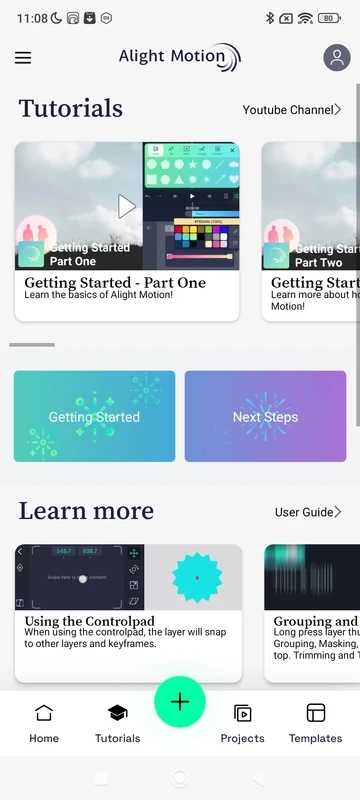
The app also offers a detailed tutorial embedded with the home screen to guide new users. It explains the process of the app while guiding how to use different features. In this way, you can use intuitive videos for accessing the best tricks to manage your videos and photo animation. The addition of new lessons to the app helps the users to animate characters, create transitions, or incorporate motion.
You will find multiple available elements that you can save to use in another project. The re-using capability enables the users to continue editing new videos more reliably, as you will find multiple innovative elements saved that you can apply again to save your time and energy. It is possible to make some changes, but multiple default functions cannot be changed.
The app also enables users to access the templates designed by other users and use them in their own videos for free. It is easy to import such templates and compose the creations more reliably. It is up to what type of design you want, such as masks, vectors, and other visual content, for your ease.
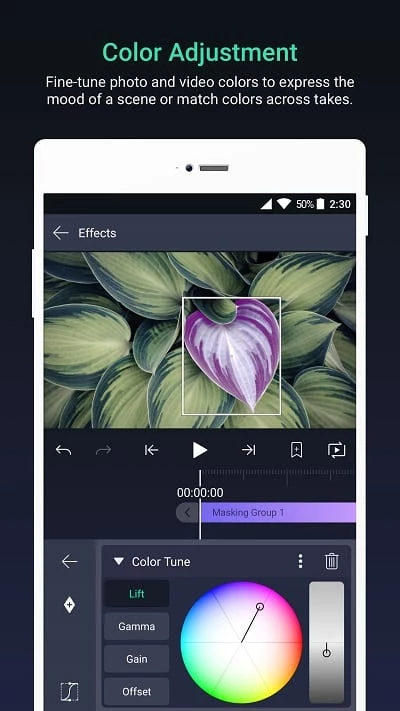
The availability of multiple special effects up to 160 fundamental categories, including blur, color and light, distortion and wrap, procedural patterns, move and transform, opacity and visibility, text, 3D, and so on. So, it is simple to use advanced masking for fine-tuning color, apply borders, strokes, shadows, and build complex looks. No need for additional footage, instead add depth and movement to scenes while using camera-style effects, including pan, zoom, focus blur, and fog.
An extensive library of shapes is available for users to use while editing videos, as you will find various types of shapes, including circles, droplets, snowflakes, and so on. You need only to touch the desired shape and drag it to your canvas and reposition it in the way you like. You can download shapes from the internet also.
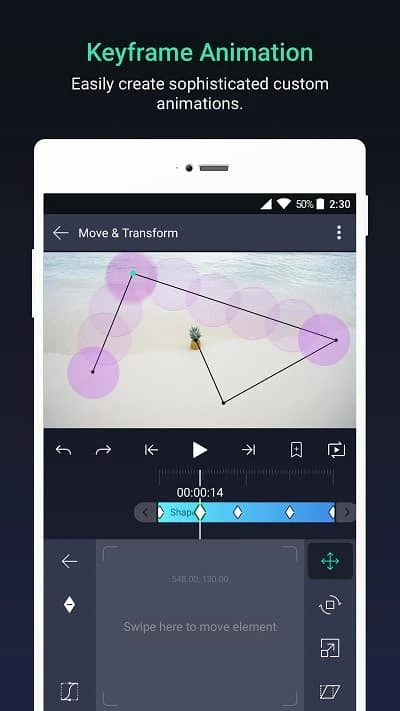
It is another key feature that allows you to intuitively animate characters by adding the body parts of each character, such as parent and child layers, and use the interpolation feature to give motion. It is also possible to create smooth, frame-by-frame animations while controlling motion, scaling, rotation, and opacity. In addition, the support for vector and bitmap graphics offers extensive design possibilities, so you can stay sharp within any resolution while designing logos, shapes, and scalable graphics.
After completing the editing process, you will find a simple exporting process with support for multiple file formats such as MP4 video, animated GIF, PNG sequences, and even still images. It is the best solution for both the short loops and high-quality thumbnails. The exporting process for the free version also includes a watermark. You can share your edited videos on any of the social media platforms.
Pros
Cons

YouTube is the biggest video-sharing platform where you can watch the latest video clips, and other informative content.

CapCut specially designed for Android devices to edit high-quality short videos.

TikTok is the most popular video-sharing platform that offer short-form videos are delivered up to 60 seconds.

MX Player is a free video player, HW+ decoder option offers a lot of videos through hardware acceleration

TikTok Lite explores the world of short-form videos for free

Wink – Video Retouching Tool is a combination of multiple best and awesome tools, including support for AI technologies.